> ## Content Index
> Fetch the complete content index at: https://www.magicpages.co/llms.txt
> Use this file to discover other available public pages before exploring further.
# Semantic Classes for Easy Element Hiding on Vienna, Berlin, and Kyiv
- URL: https://www.magicpages.co/roadmap/semantic-classes-for-easy-element-hiding-o/
- Published: 2025-06-23T11:29:02.000Z
- Updated: 2025-12-11T19:56:03.000Z
- Description: Easily hide post metadata like reading time and author info across Vienna, Berlin, and Kyiv themes using new semantic CSS classes.
- Author: Jannis Fedoruk-Betschki
- Tags: Roadmap & Changelog
Today, somebody asked which classes they can use on the Berlin theme to hide reading time and the author name through side-wide code injection.
This sparked a broader realisation: while the Magic Pages themes work for a lot of different use cases, everyone has different needs for what metadata and sections they want to display. Some publishers love showing reading time and author info, while others prefer a cleaner, more minimal approach.
So, I quickly added these semantic classes that can be used for that, in addition to the TailwindCSS utility classes.
## What's New
All three Magic Pages themes have been updated to use semantic classes for certain elements that should be hideable.
- **Berlin Theme** updated to **v1.3.0**
- **Vienna Theme** updated to **v1.2.0**
- **Kyiv Theme** updated to **v2.4.0**
### Available Classes Across All Themes
**Post Metadata:**
- `.post-reading-time` \- Reading time display (Berlin)
- `.post-list-reading-time` \- Reading time in post lists (Berlin)
- `.post-author` \- Author name and information
- `.post-published-date` \- Published date
- `.post-list-date` \- Published date in post lists
**Theme Sections:**
- `.theme-cta` \- Newsletter signup sections
- `.theme-footer` \- Footer sections
If you end up in a situation where you need other classes as well, please reach out!
## How It Works
Hiding elements is now as simple as adding CSS to your code injection:
**Hide reading time site-wide:**
```css
```
**Hide author names:**
```css
```
**Hide newsletter signup sections:**
```css
```
To implement these:
1. Go to **Settings → Code Injection** in your Ghost admin
2. Add your CSS in the **Site Header** section
3. Click **Save** – changes apply immediately ✨
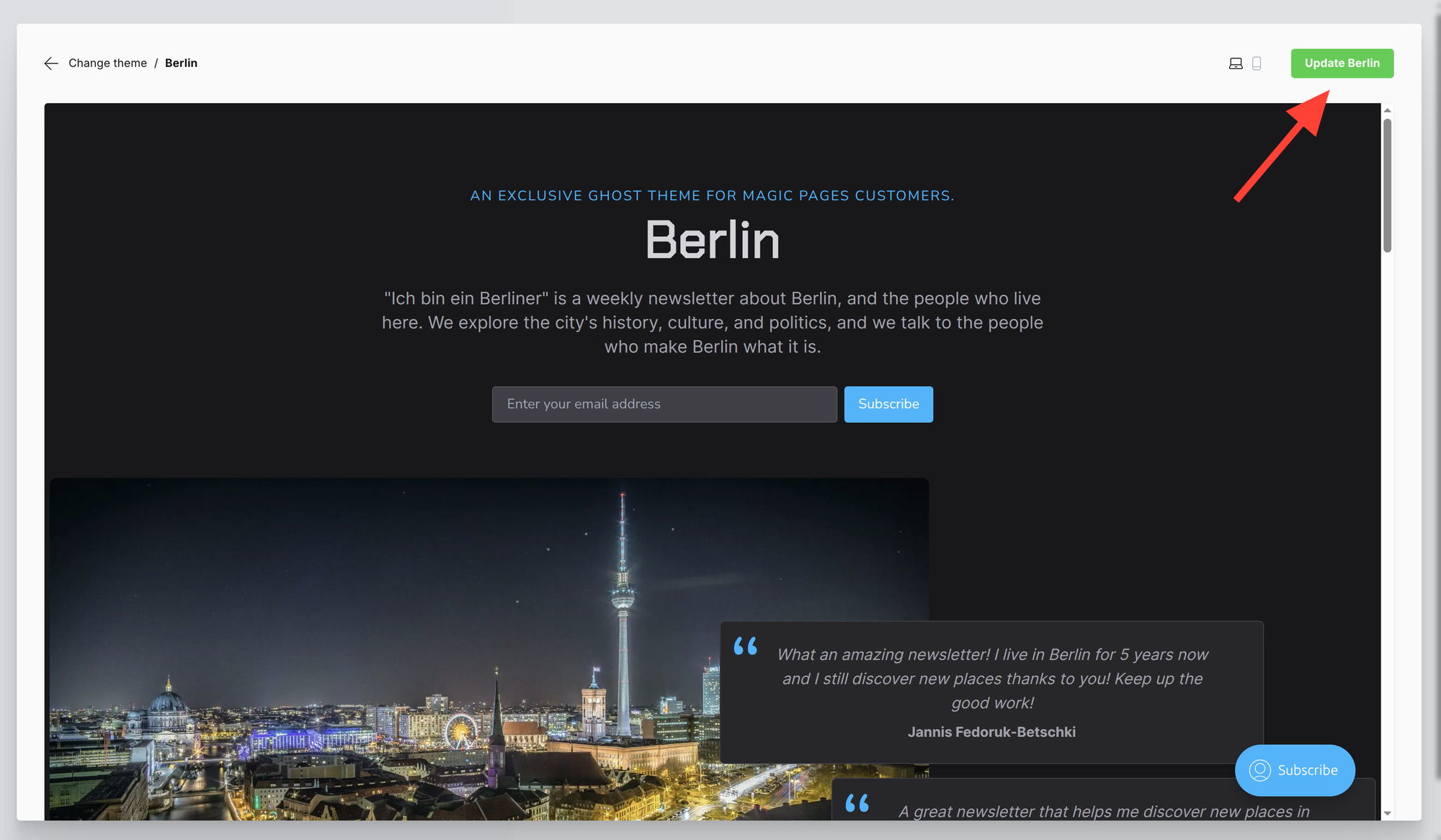
To use this feature, you can simply update the respective theme through the theme gallery in Ghost.