Installing The Vienna Theme For Ghost CMS

Updated Dec 09, 2023 · 1 min read

The Vienna theme is a Magic Pages exclusive Ghost CMS theme. If you're hosting your website with Magic Pages, installing it is straightforward and simple.

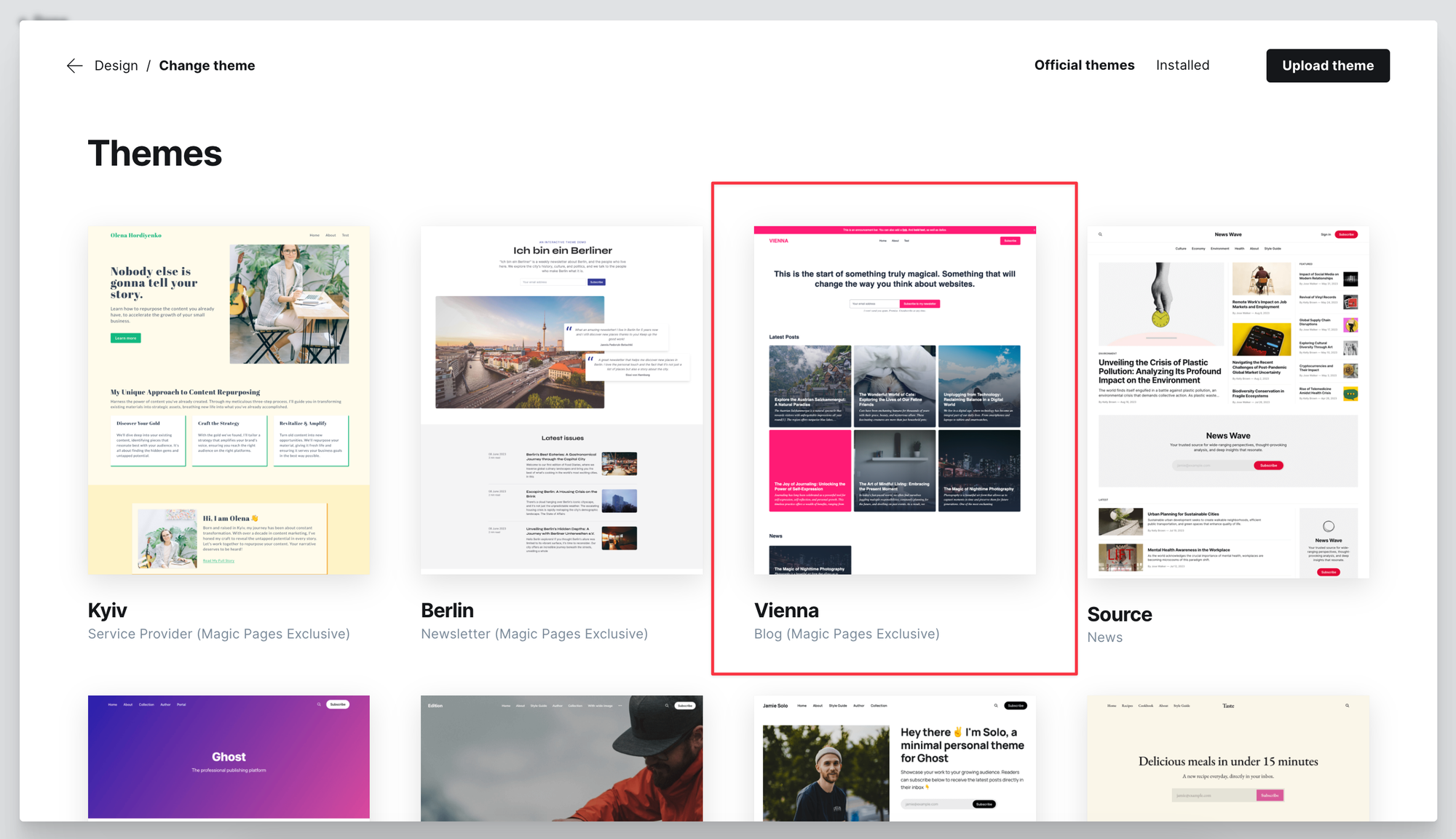
Log into your Ghost website's admin panel and go to Settings. Look for "Design & Branding". You should now see a gallery of different themes.

Simply select the Vienna theme and install it.
A fitting routes.yaml for custom routing can be downloaded here:

Still have questions?

We're here to help and want to make sure you get the most out of your theme. Reach out directly and we'll get back to you as soon as possible.

Ready to Publish? A snap of your fingers – and you're live!

Join 1,200+ publishers who chose Magic Pages as the home for their Ghost site.

Jannis - Founder of Magic Pages
Live in 5 minutes
Personal support from our team
All Ghost features included
14-day free trial, no credit card
Start Your 14-Day Free Trial

No credit card required

I personally guarantee you'll love the experience, or I'll help you find a better solution.

— Jannis, Founder of Magic Pages