
A while ago, we gave you a toggle to block AI crawlers from your site. This is the other side of that coin.
Some publishers want AI bots nowhere near their work. Others want the opposite – to be found, quoted, and cited when someone asks an AI assistant a question. If that's you, there's now a clean way to opt in.
What is llms.txt?
Think of it like a sitemap.xml, but for AI tools instead of search engines. It's an emerging standard: a single, machine-readable file that lists your published content in a clean, structured form, so large language models and AI search engines can discover and cite it accurately – without crawling and guessing their way through your theme, scripts, and markup.
Ghost added support for this in version 6.43.0. When it's switched on, your site serves two files: /llms.txt (a concise index of your content) and /llms-full.txt (the full text). This only affects automated AI tools – your human visitors see no difference.
What's New
We've added a simple toggle to the customer portal, right next to the AI crawler controls, that turns this on for your site:
- Enable llms.txt: Your site starts serving
/llms.txtand/llms-full.txt, helping AI search engines and LLM tools index your work correctly. - Leave it off: Nothing changes – the files aren't served, and your content is exposed to AI tools no differently than before.
No code injection, no manual file uploads. One toggle, and it's done.
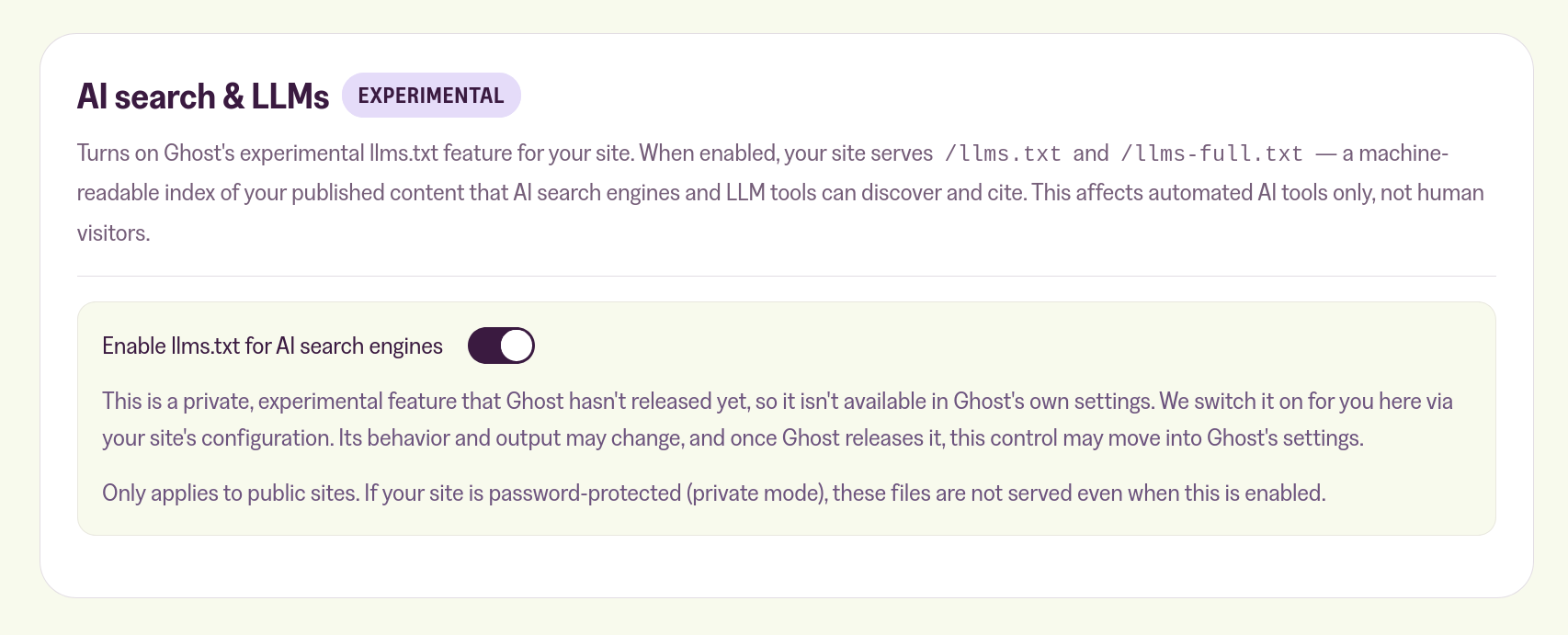
A couple of things worth knowing. This is still an experimental feature in Ghost, so its exact behaviour and output may change as Ghost develops it. And it only applies to public sites – if your site is password-protected, these files aren't served even with the toggle on.
If you block AI crawlers, leave this off – the two settings are opposite choices. If you see AI search as a distribution channel and want your content represented accurately, switch it on. As always: it's your content, and it should be your decision.
