
As of today, every customer on a Pro plan has the ability to toggle CDN caching on or off. This feature gives you more control over how your content is delivered to your audience and addresses some specific use cases that require bypassing our standard caching layer.
Why Add This Option?
A few weeks ago, a Magic Pages user reached out about using Cloudflare alongside their Ghost site, which sparked an interesting conversation about content delivery. While Magic Pages' Bunny.net CDN integration works brilliantly for most sites (giving you fast page loads and global reach), some setups benefit from more flexibility – especially when using multiple CDN layers.
Currently, all Pro plan websites use the integrated CDN by default. The system automatically purges its cache whenever you update content, ensuring your visitors always see the latest version of your site.
However, when using another CDN layer (like Cloudflare) on top, things get more complex:
- Updates might take longer to propagate through multiple CDN layers
- Cache invalidation becomes more challenging to manage
- Content updates can appear inconsistently across different regions
The Solution: A Simple Toggle
To address these scenarios, I've added an option for Pro plan customers to completely disable CDN caching when needed. You'll find this new toggle directly in your domain settings page, with clear guidance on when you might want to use it.
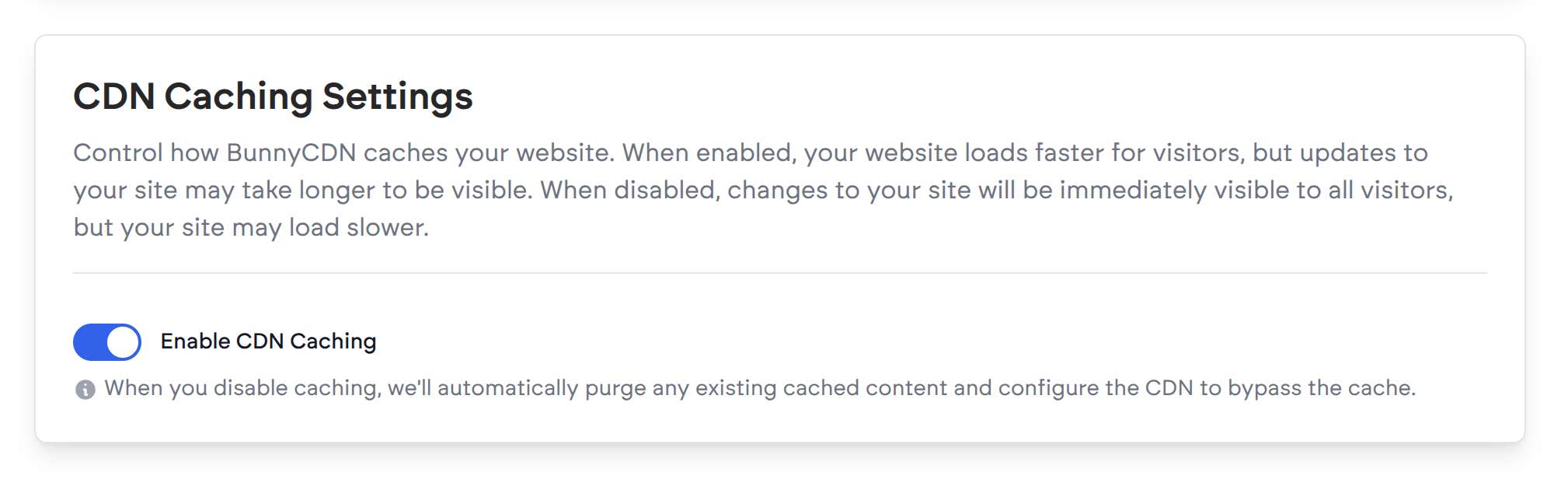
When you disable caching all content is served without the caching layer in between. The backend also automatically purges any existing cached content one last time.
When Should You Use This?
This feature is particularly useful if you have your own CDN setup (like Cloudflare) in front of Magic Pages or have specific caching requirements that conflict with our default settings.
