Installing The Vienna Theme For Ghost CMS
Learn how to install the Magic Pages exclusive Ghost CMS theme "Vienna".
The Vienna theme is a Magic Pages exclusive Ghost CMS theme. If you're hosting your website with Magic Pages, installing it is straightforward and simple.
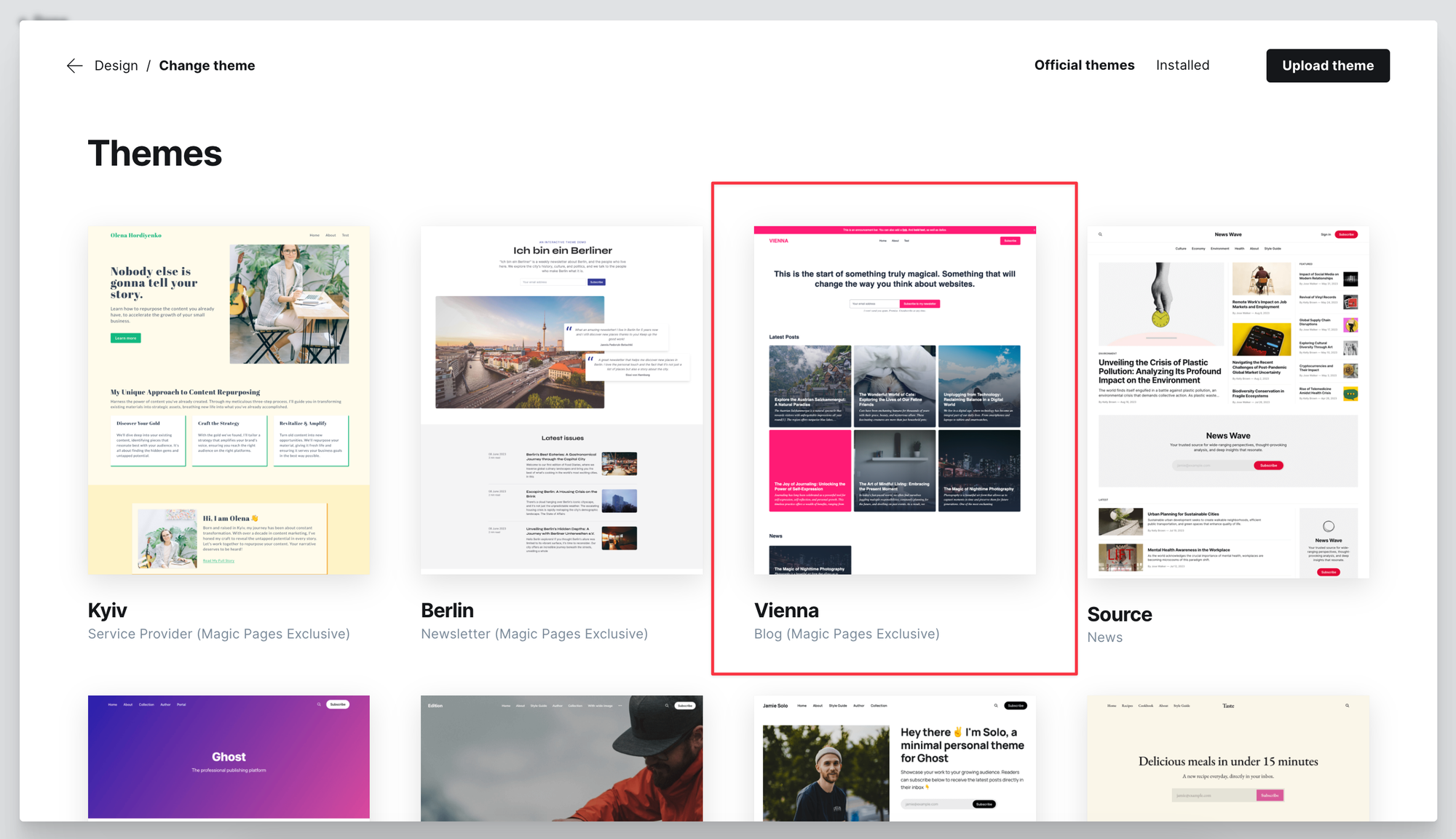
Log into your Ghost website's admin panel and go to Settings. Look for "Design & Branding". You should now see a gallery of different themes.
Simply select the Vienna theme and install it.
A fitting routes.yaml for custom routing can be downloaded here:

Didn't find your answer?
Ask us anything — a real person reads every message, usually the same day.
