How search works on your Ghost site
Every site on Magic Pages already has working search. Here's what the default gives you, and when the other two options are worth the switch.
 Sviatoslav Huzel
Every site on Magic Pages already has working search. It's the magnifying glass in your theme, it needs no setup, and for plenty of sites that's the whole story.
There are two other options sitting behind it. Read through each one and you'll know in a minute whether you need to change anything.
Default Search
This is the default unless your theme ships with its own search. It uses the built-in search box and looks at titles, excerpts, tags, and authors.
Nothing to configure, nothing to turn on. If readers find what they're after and you don't need to know what they're searching for, you can stop reading here.
One of its limits is that it matches text rather than meaning. Someone who types newsletter finds posts with "newsletter" in the title. Someone who types newlsetter finds nothing.

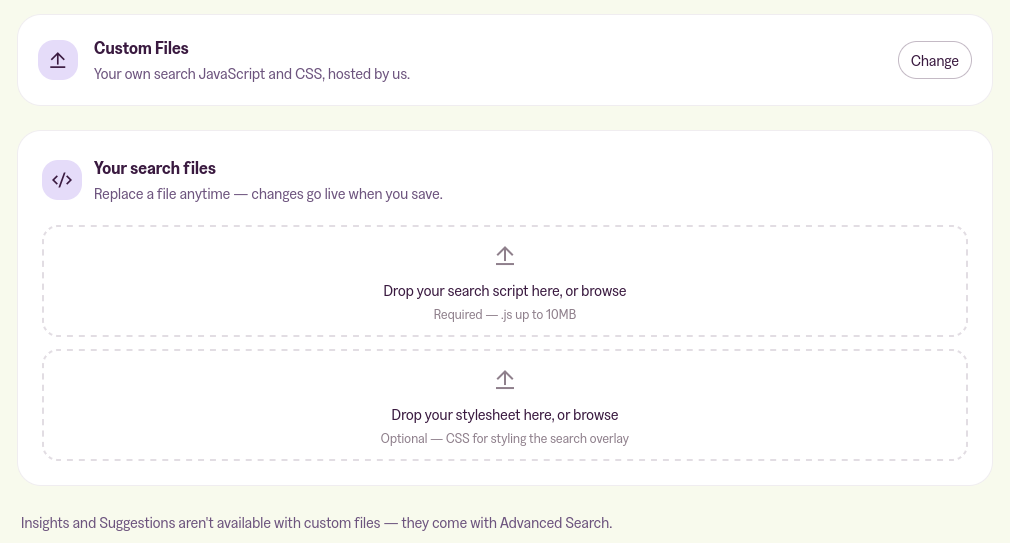
Custom Files
This one lets you upload your own search JavaScript and stylesheet, and serve both from your own domain. The JavaScript slot is required and takes a .js file up to 10MB. The stylesheet slot is optional and takes a .css.
It exists for two situations: you want the search box to look like something your theme can't do on its own, or you have compliance rules saying the files have to sit on your domain rather than someone else's CDN. If neither is you, this isn't the one.
Advanced Search
Full-text search across everything you publish, included on the Pro plan and on custom plans. It's built on Typesense, an open-source search engine made for the kind of instant, forgiving search you get on a well-built documentation site.
Three things it does that a theme search box can't:
- Typos still find the post. Someone searching newlsetter gets your newsletter posts.
- Meaning gets matched, not just words. With semantic search on, "growing tomatoes" can surface "vegetable garden tips" even though the two share no words at all.
- You can see what readers search for, including the searches that came back empty.
It also brings ranking controls, a search window you can restyle, and a list of suggested terms you can put in front of readers before they type.
Your theme doesn't need touching. The search box readers already use is the one that gets upgraded.
Where the setting lives
Open the Customer Portal and go to the Search tab. The strip under the page title tells you which integration you're on right now.
Click on Change to choose your search integration.
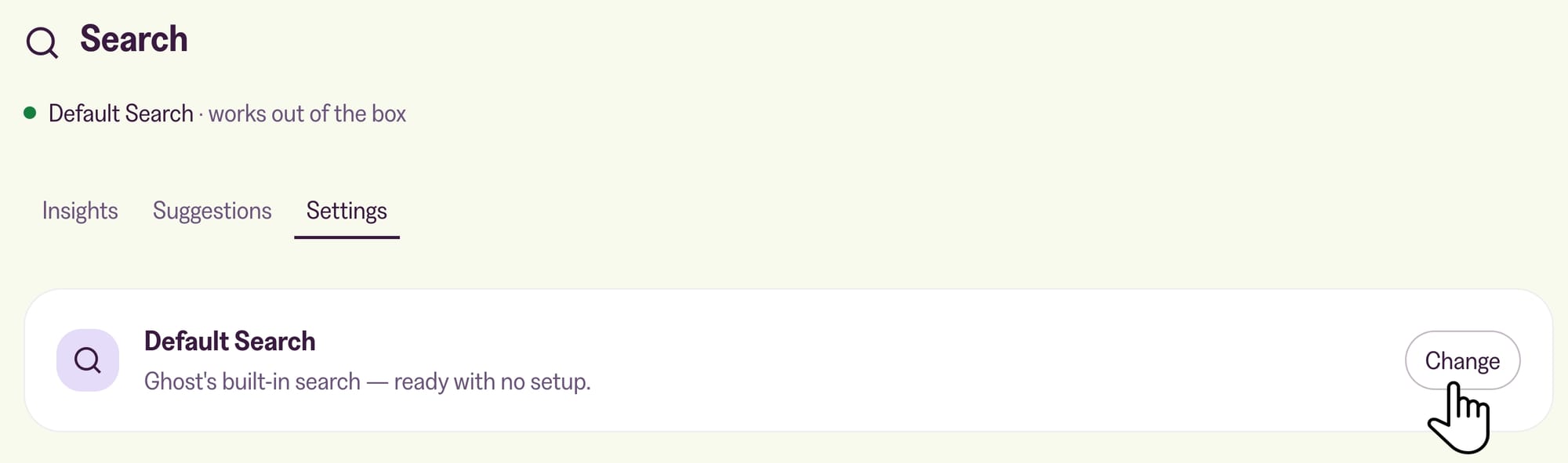
You can switch between them whenever you like and nothing changes for your site. A switch only takes effect when you save, so readers keep the old search until then.
Which one you want
Default Search if search isn't something you think about. If search isn't a priority right now, there's no reason to touch it.
Advanced Search if your archive has grown past the point where people can find things by guessing the title, or if you want to know what readers are looking for. A list of searches that found nothing is a list of posts your audience wants and you haven't written yet.
Custom Files only relevant if you're building something custom on top of Ghost.
More in this section

Didn't find your answer?
Ask us anything — a real person reads every message, usually the same day.
